【SEED】SEED-Ubuntu20.04 VM安装配置
没用过virtualBox…记一下
教程:Install SEED VM on VirtualBox
再次吐槽csdn!又把我笔记搞丢了!
VirtualBox 7.2.2
为了避免麻烦打算下一模一样的版本,6.1.16,但是没找到算了,下个最新版
这边笔记被csdn吃了
只能安装在C盘,试图换盘被狠狠制裁了放弃了…
SEED-Ubuntu20.04
安装
打开VirtualBox,点新建
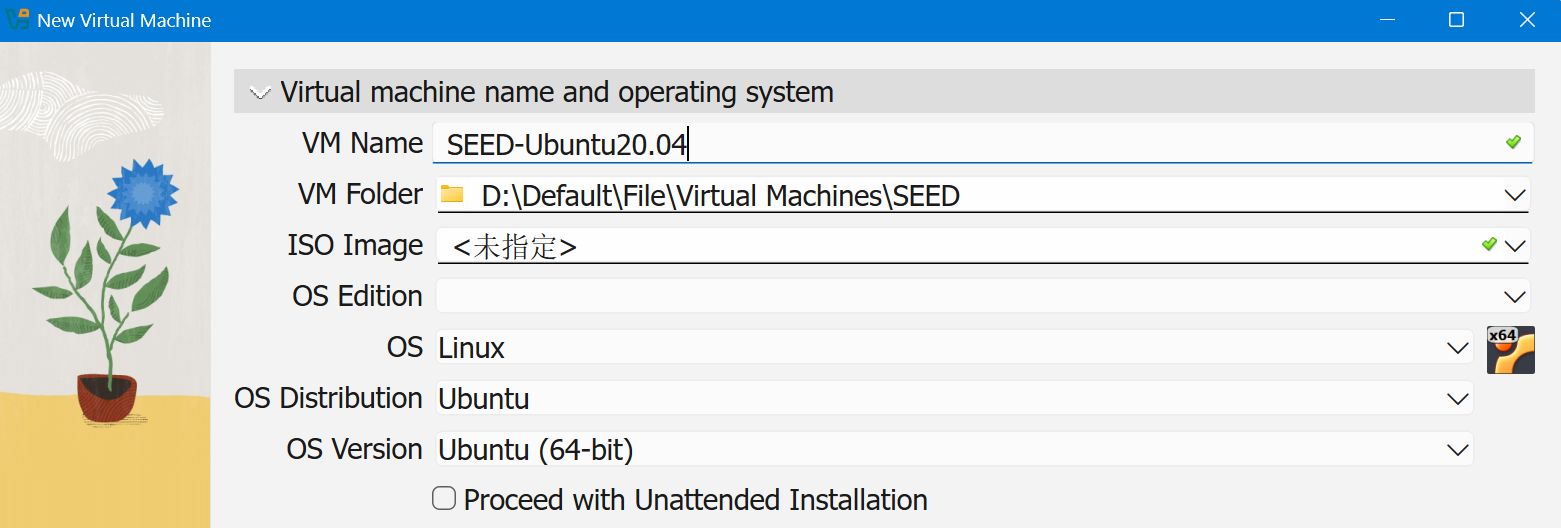
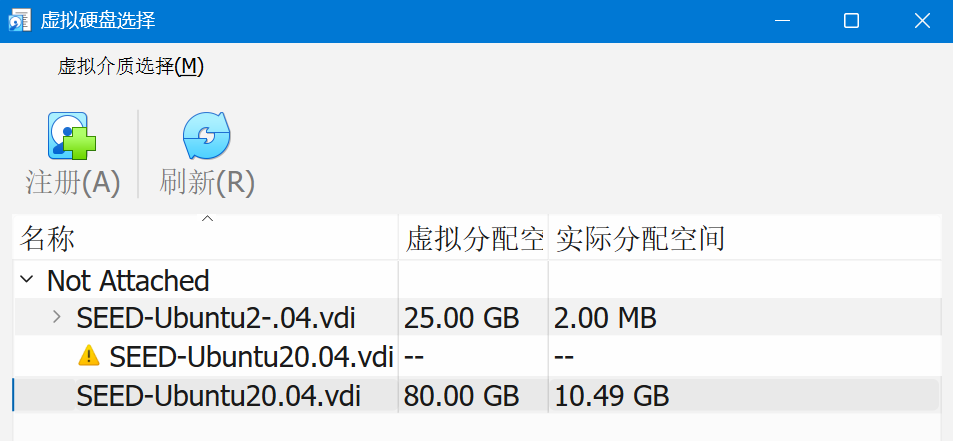
选择已有硬盘
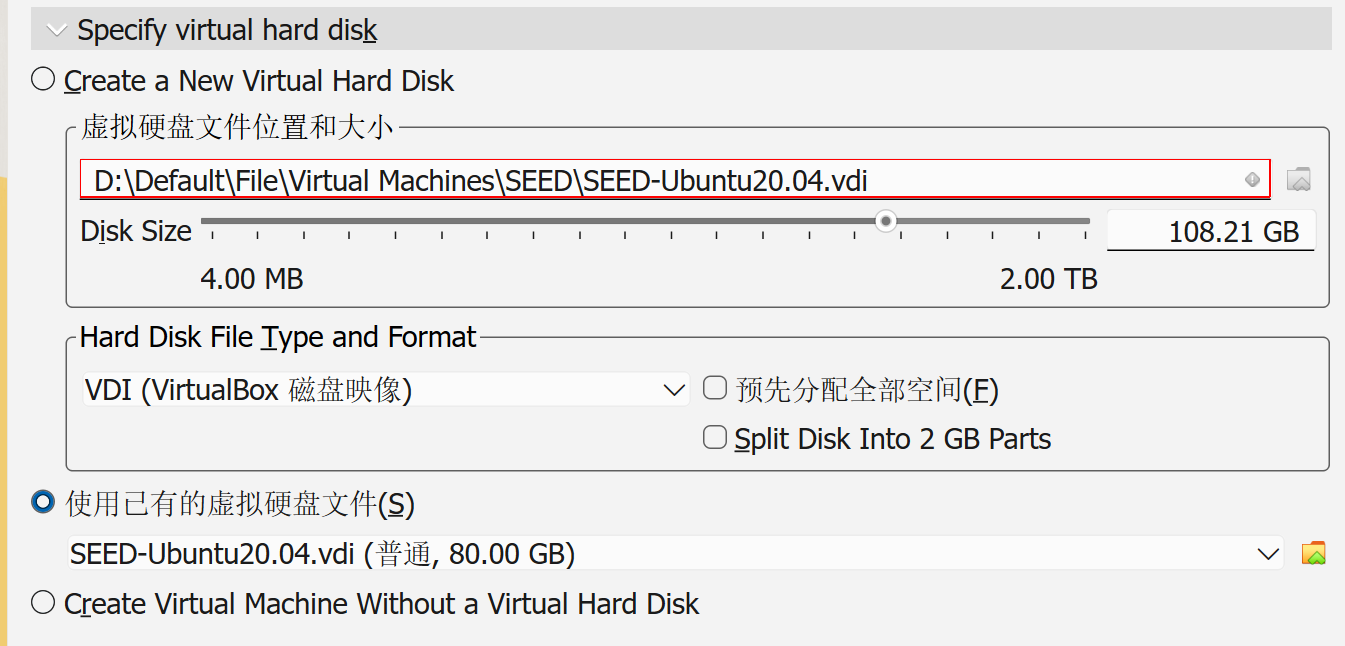
配置
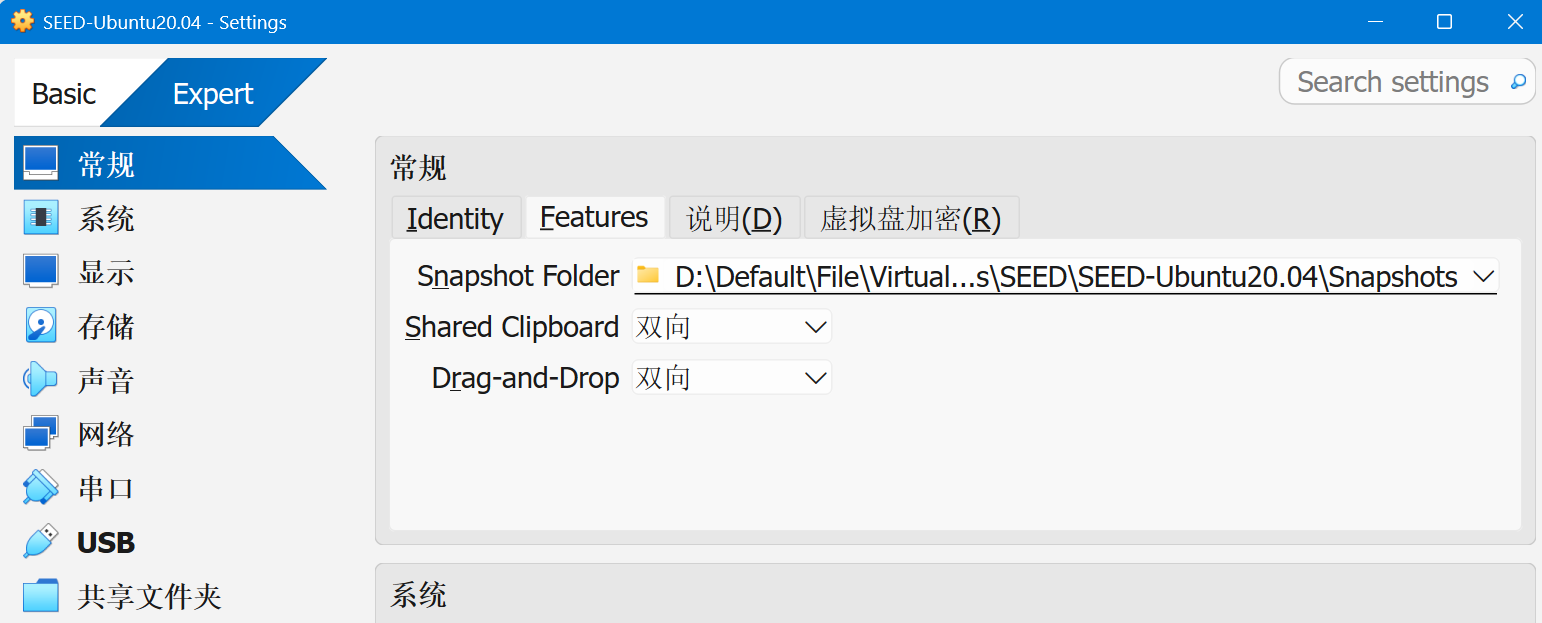
共享文件夹&复制粘贴拖拽
添加共享文件夹,选择自动挂载
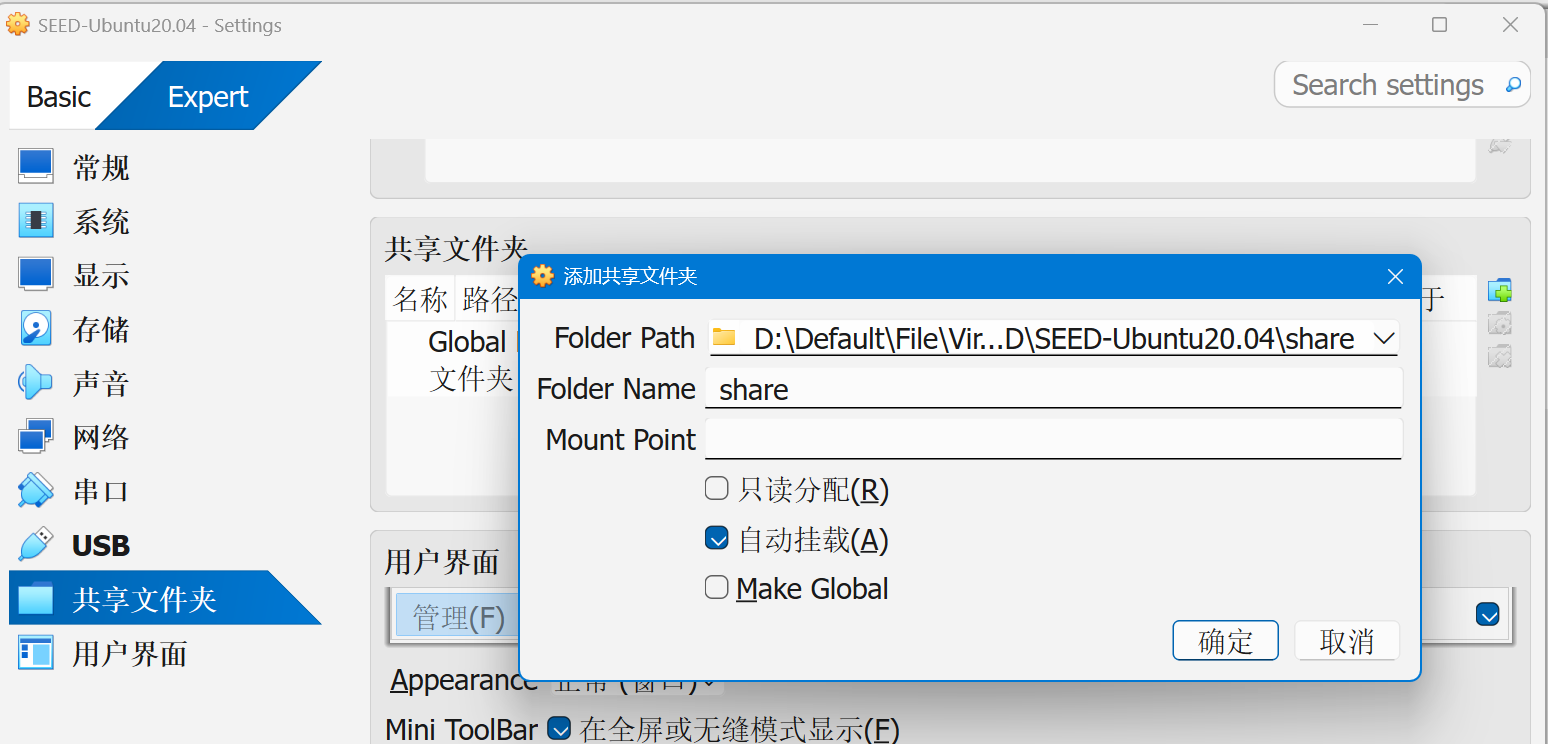
后续步骤待会再说
Inside the VM, we need to mount the shared folder somewhere. Let’s mount it to the home directory as a folder
Share. We will create a folder calledSharein the home directory, and then mount the shared folderVM_Sharedto thisSharefolder using the following command. After that, you can access the shared folder from~/Share.
2
$ sudo mount -t vboxsf VM_Shared ~/Share
改成自己的共享文件夹名

On some latest version VirtualBox, the folder
VM_Shareddoesn’t mount on automatically after the VM is restarted even if we have selected the auto-mount option. To solve this issue, we can create an auto-mount script inside the/etc/profile.d/folder.
Inside the script file, add the mount command that we want to run when the system is initialized.
After the VM is started, during the login phase, all scripts under
/etc/profile.dfolder will be executed. This way, system automatically will mount the shared folderVM_Sharedto theSharefolder.
VTX/Amd-V(嵌套虚拟化)
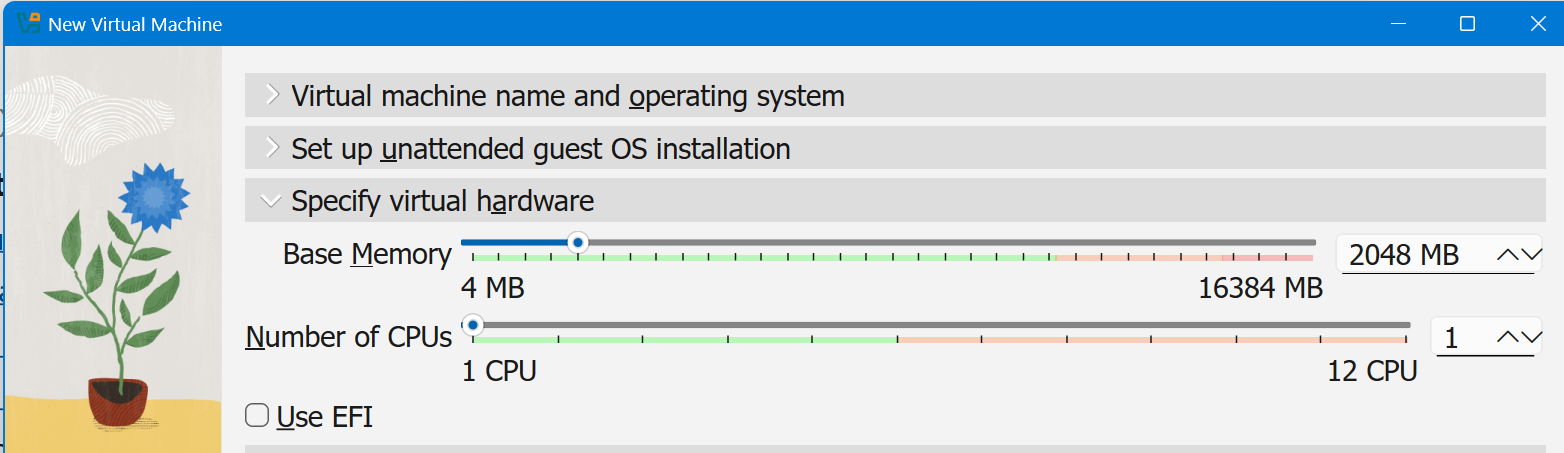
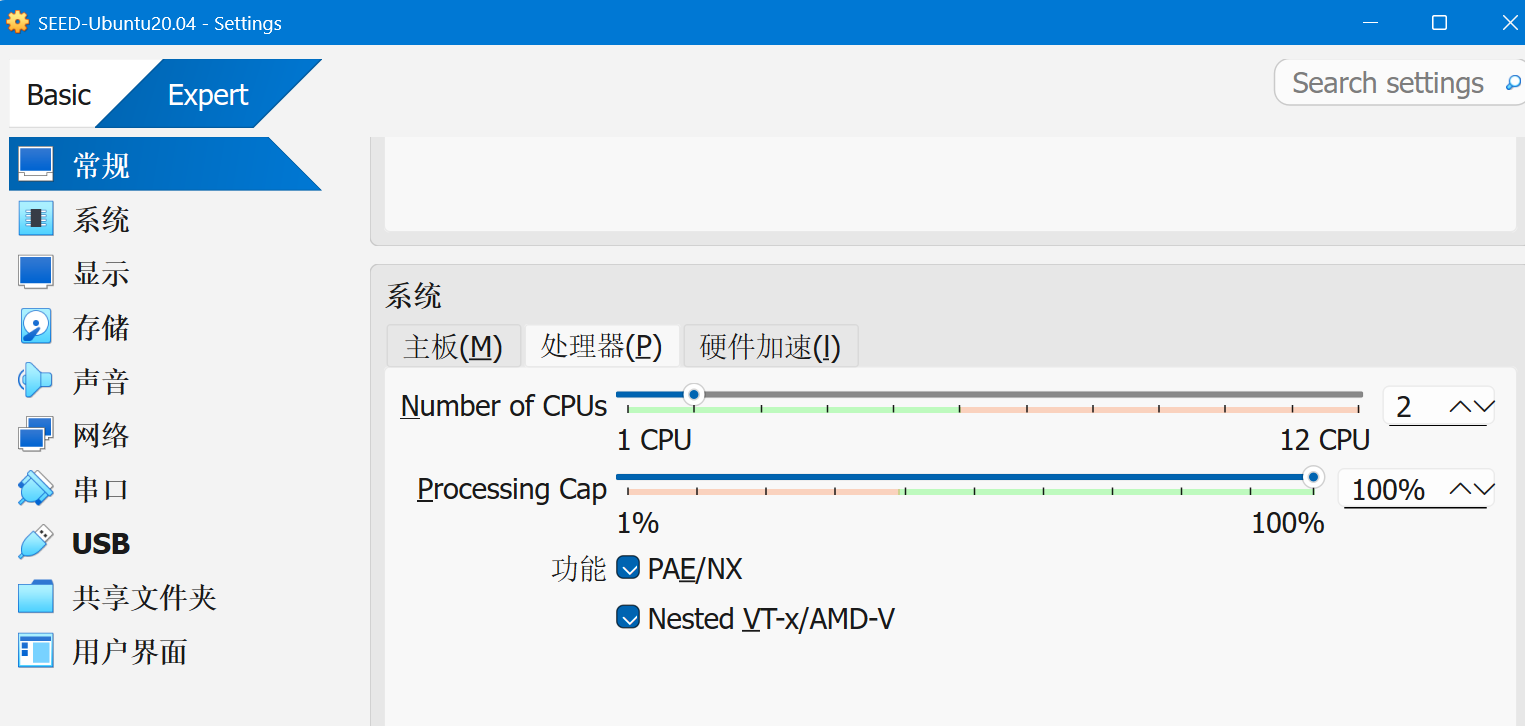
cpu两个,以及开启虚拟化。勾选不了是因为主机没开启嵌套虚拟化
参考:How to enable Virtualbox nested VTX/Amd-V on Windows 10/11 or Linux
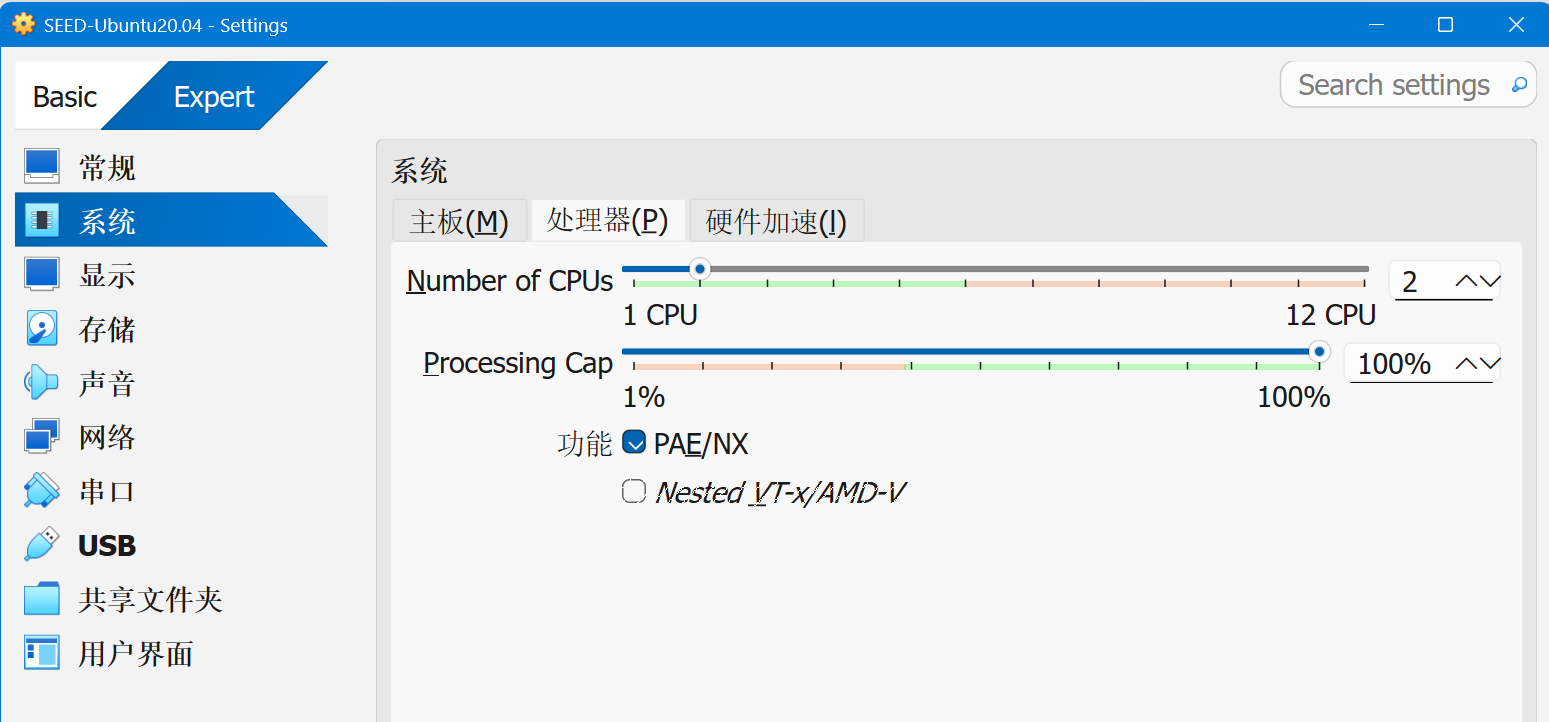
下面命令的虚拟机名字换成自己的
1 | cd C:\Program Files\Oracle\VirtualBox |
OK了
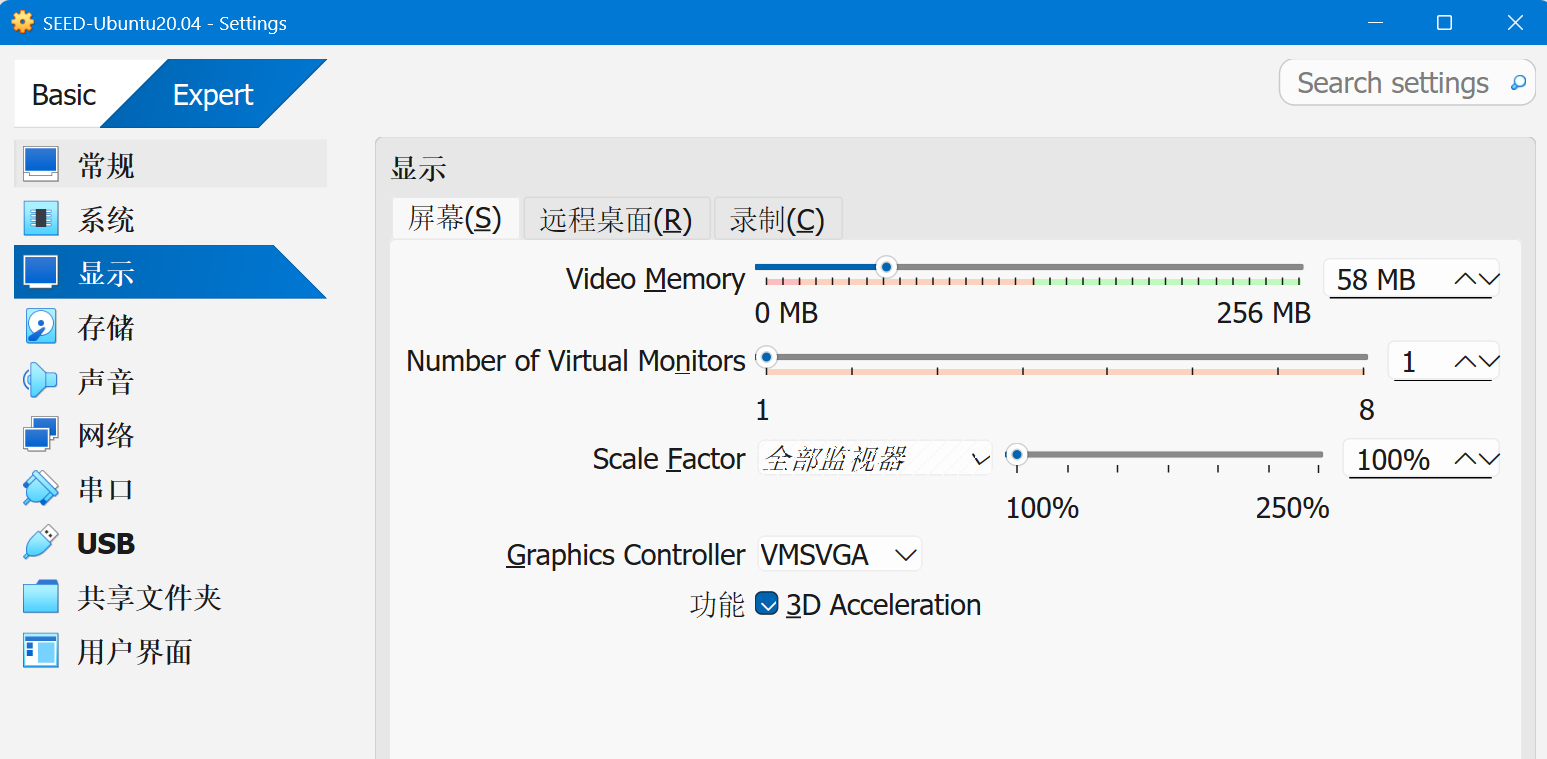
显示
要用一样的graphics controller
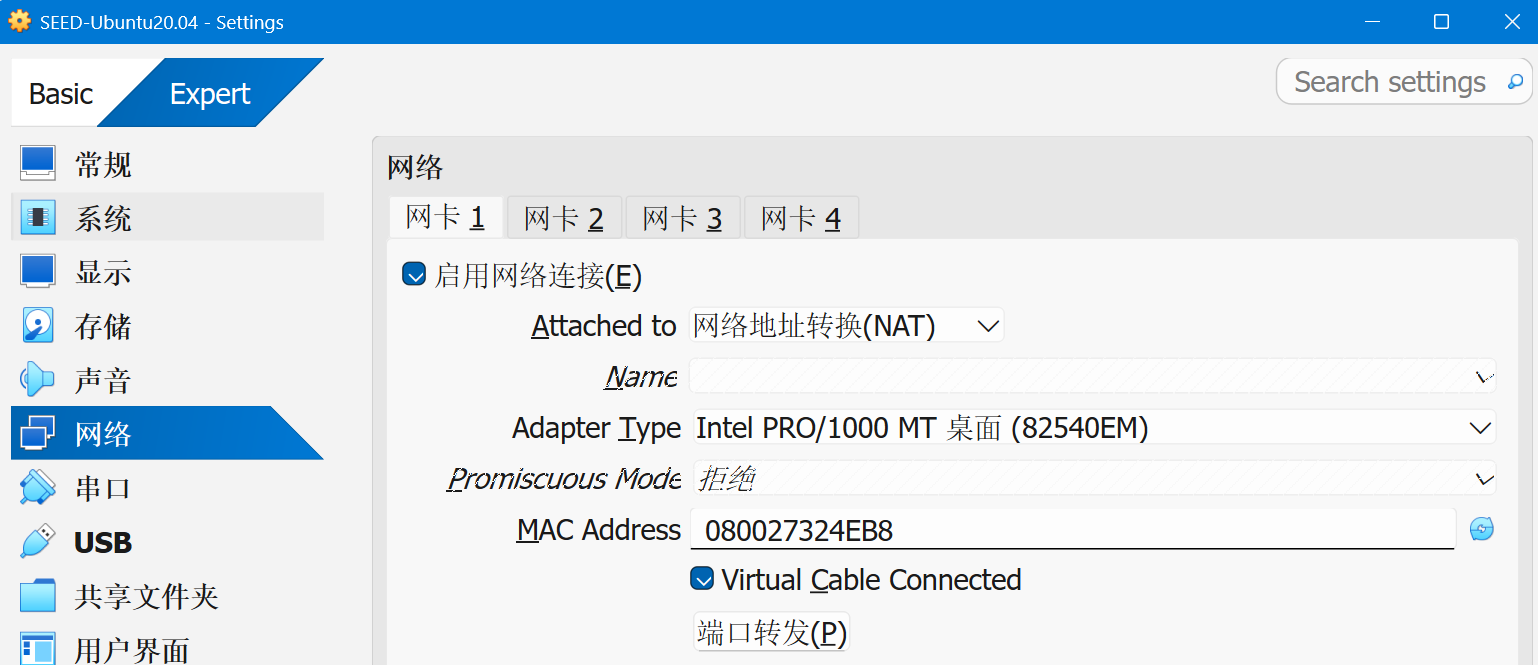
网络
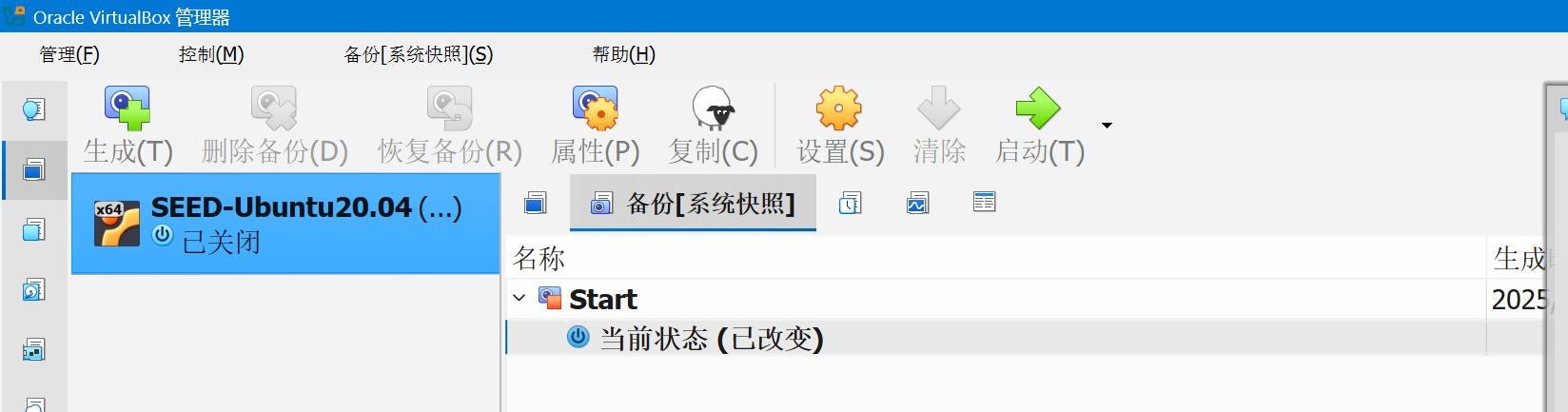
快照&启动
- User name:
seed - Password:
dees
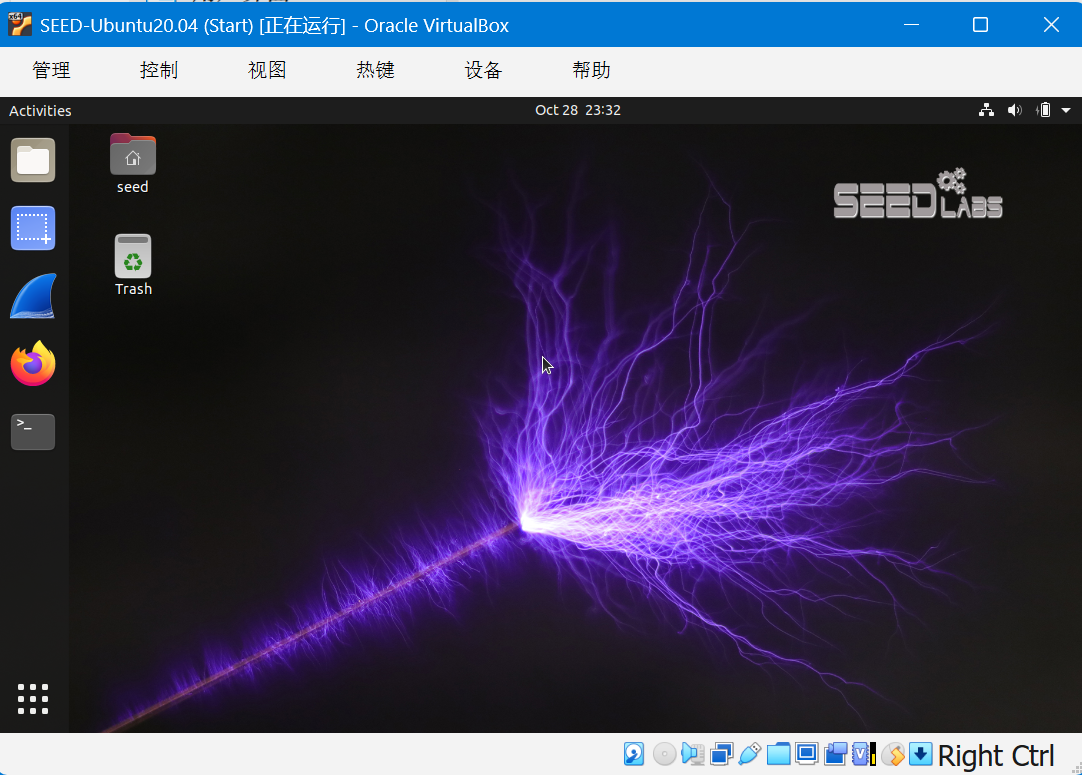
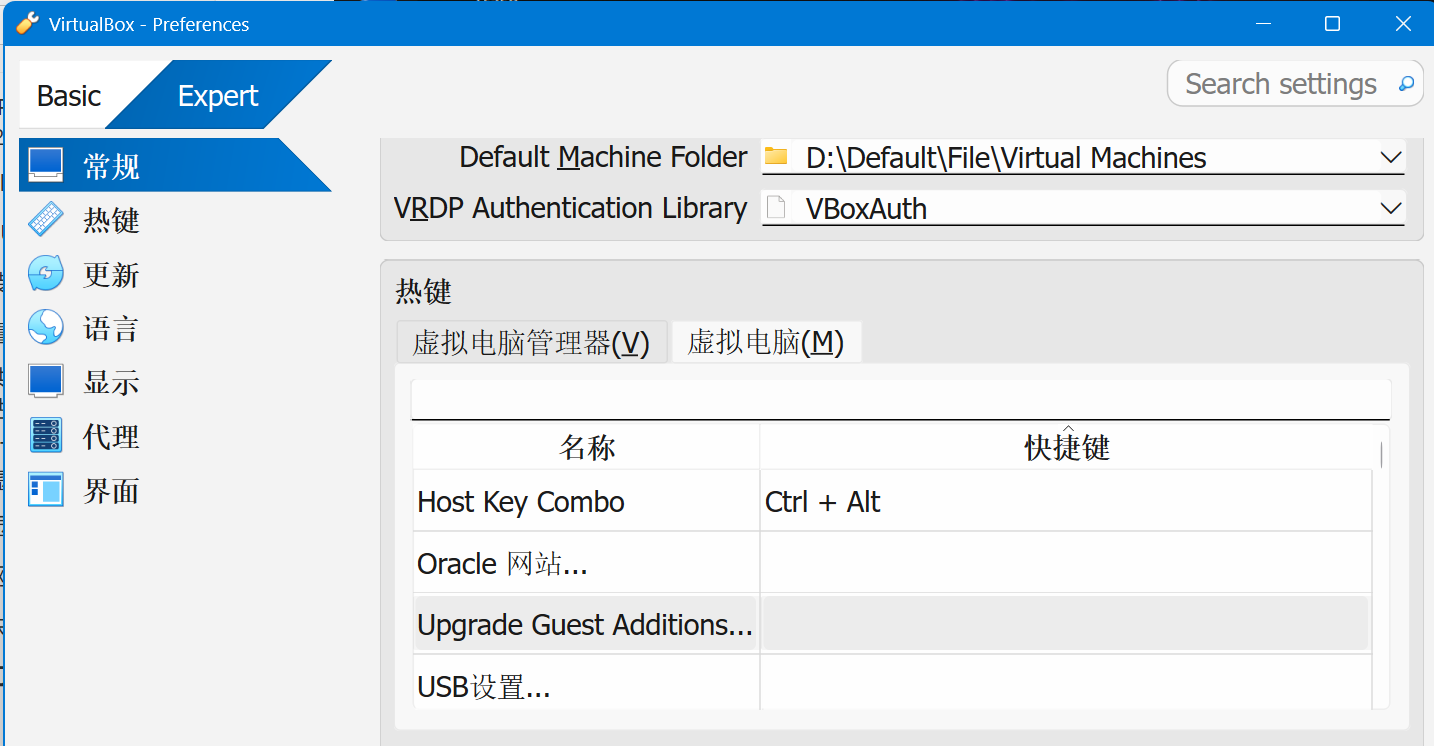
切换鼠标热键
习惯了vmware…把切换键改成Ctrl+Alt
二编:这样一换Ctrl+Alt+T就不是唤起终端了变成备份了,我没招了,或许可以把备份快捷键改一下
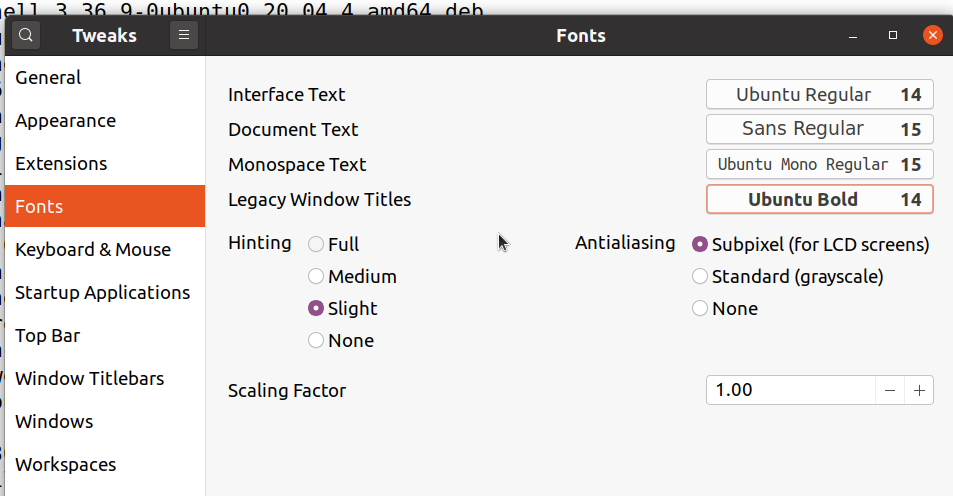
调整字体大小
1 | sudo apt update |